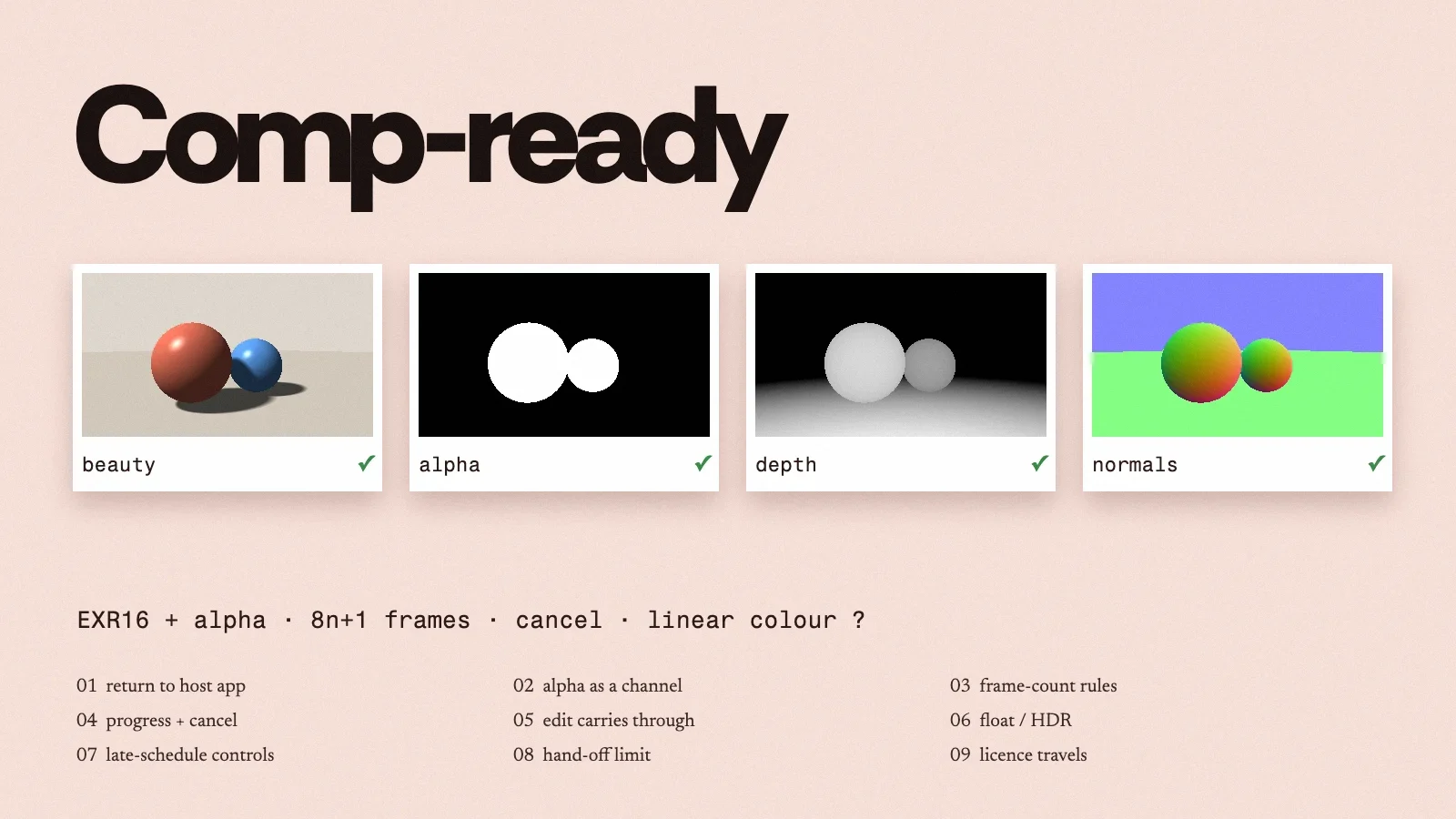
A gen AI tool is ready for comp when its output lands back in the script with alpha, frame range and colour intact, and when the artist holding the notes can still adjust it late in the schedule. This article draws a checklist from three tools that shipped or were described in November 2026.
Method. Sources reviewed November 18, 2026. We have not run NukeToComfyUI, Paint a plate or Wētā FX's snow setup. The checklist is our proposal. It is not a certification.
What this means for you
- Prefer AI tools that plug into the editor or comp app you already use and send results back into the same project, over a separate app you have to move shots into.
- Before trusting a tool with a real shot, check that the result comes back with a real transparency (alpha) channel and at the right frame range, with no re-conform.
- Run a "do-nothing" test: send a plate through the tool with the AI step switched off and compare it with the original in the highlights and the shadows. If that round trip isn't clean, nothing after it will be.
- Favour tools that give you controls you already understand, such as density or wind direction, so you can still hit notes late in the schedule.
- Keep the model's licence with each export. One open-source tool here writes a licence list into every export, and studios will ask.
The shape that's winning
The realistic path for gen AI in post isn't a new app that artists have to move into. It's a round trip: Nuke (or AE, or Resolve) stays the source of truth, the model becomes one more step you call out to, and the result comes back with its alpha and timing intact.