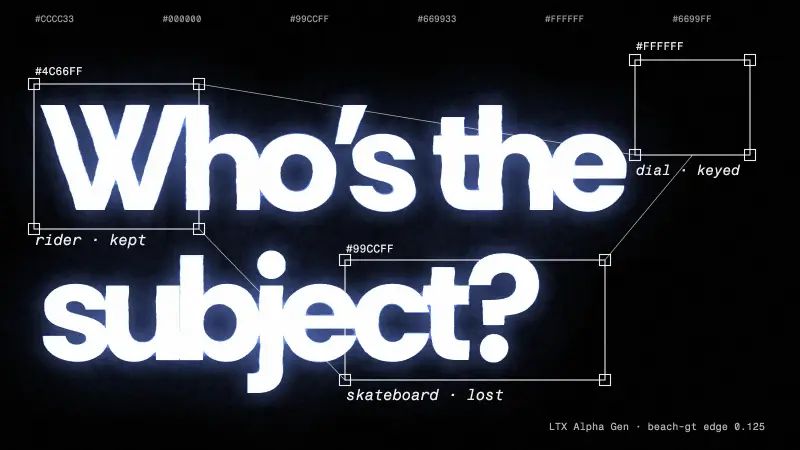
On three clips, the open ROSE model removed people and their shadows while leaving a burned-in graphic intact, and the closed Kling editors either re-framed, re-graded or removed the wrong person. Pasting any editor's result back only inside the object's region cut change outside it to zero; this is three clips, one run per method.
Method. Our own removal test, run 12 November 2026: 8 removal methods plus paste-back combinations on 3 clips of 81 frames each, one with a true clean plate; about $12 in GPU and API spend. Vinc makes an AI film studio, and these are our own tests of our own pipeline.
What this means for you
- For removing an object and its shadow, try a mask-based remover first. ROSE did best of the open models in our test: it removed people and their shadows from an object-only mask and left the rest of the frame alone, and its licence is Apache-2.0.
- Whatever tool you use, paste its output back only inside the object and its shadow. On our three clips that cut the change outside the removal area to zero for every editor we tried.
- Use a mask, not a text prompt, when only one of several people should go. Both Kling editors got "remove only one of them" wrong.
- After any tool that regenerates the whole frame, check burned-in titles, logos and graphics, and the framing. Casper, EffectErase and Kling v4 damaged an on-screen speed dial, and Kling O1 shifted the framing slightly.
- Check the licence before a paid job. Four of the eight tools we tested are non-commercial or research-only.
Removing an object means inventing the background behind it, removing its shadow too, and changing nothing else, which is where most tools fail. On 12 November 2026 we ran open-weight removers (free to run on a rented GPU) and closed, hosted editors through the same three clips, plus one trick: paste the result back only inside the region you meant to change.
The three clips
| Clip | Why it's hard | What we could measure |
|---|---|---|
| beach-gt | Two children with soft shadows on sand, waves behind |