How an AI storyboard generator turns a script into boards: what a panel needs, a script-to-shot-list workflow, Boords and LTX Studio prices, and the pitfalls.
Method. Boords, LTX Studio, Katalist, Wonder Unit, Kling and Midjourney pages read November 18, 2026; staging figures from Vinc's own August 2026 test; output quality was not compared. Vinc makes an AI film studio.
What an AI storyboard generator from a script actually does
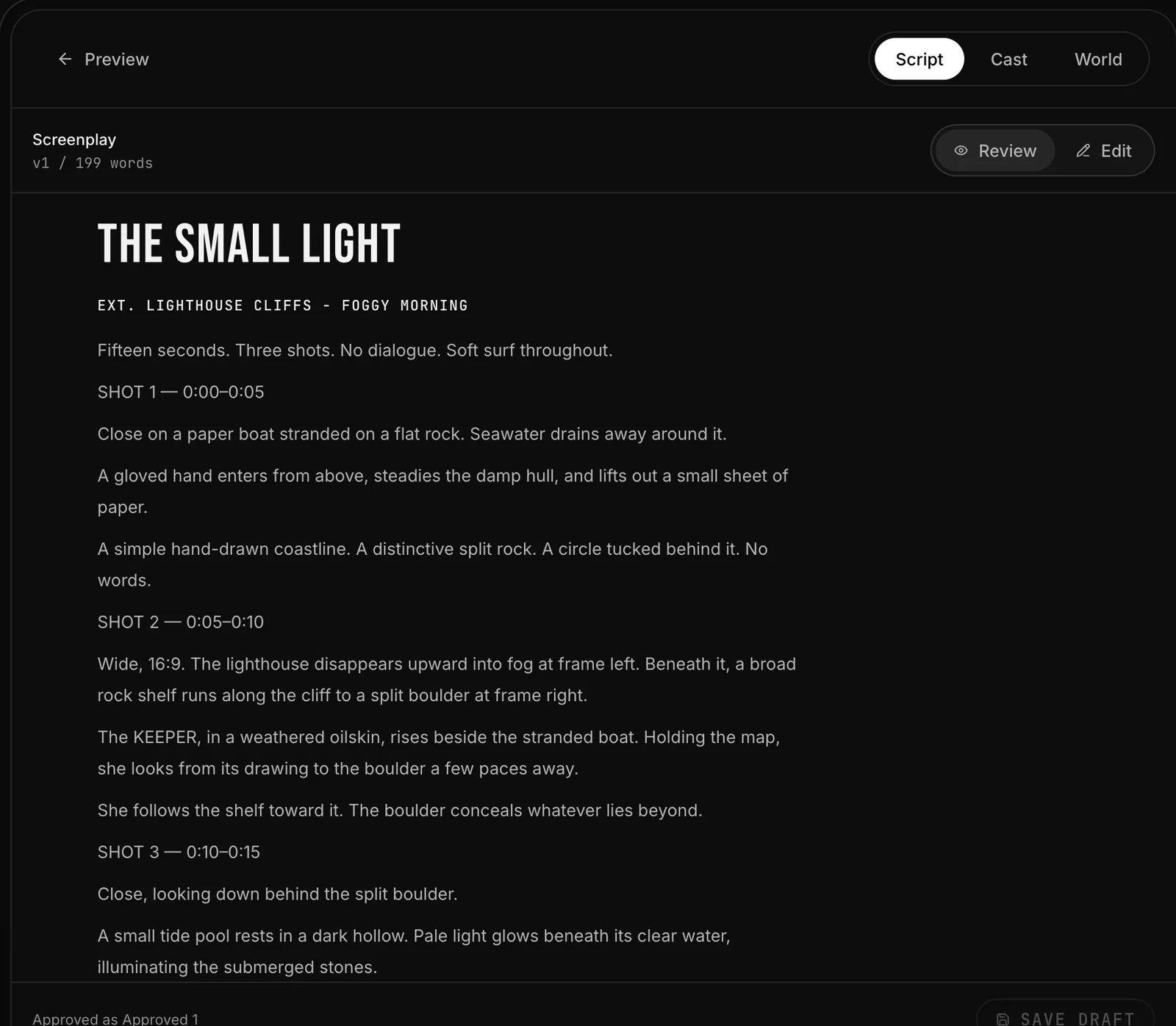
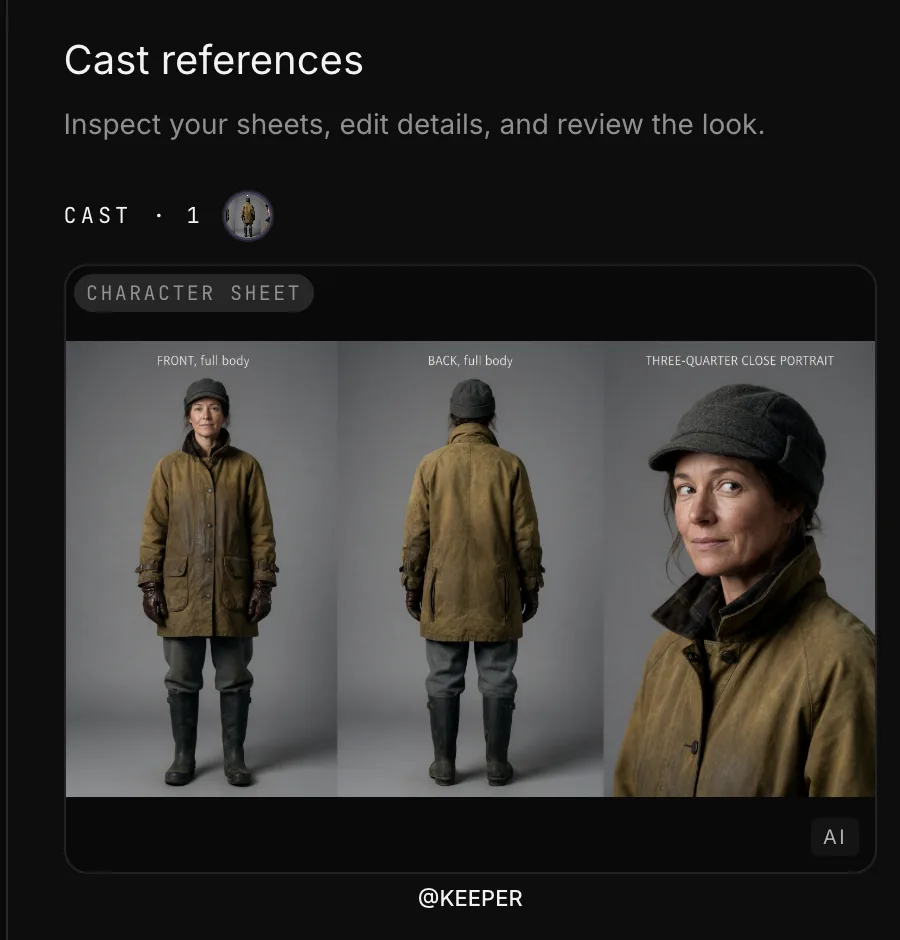
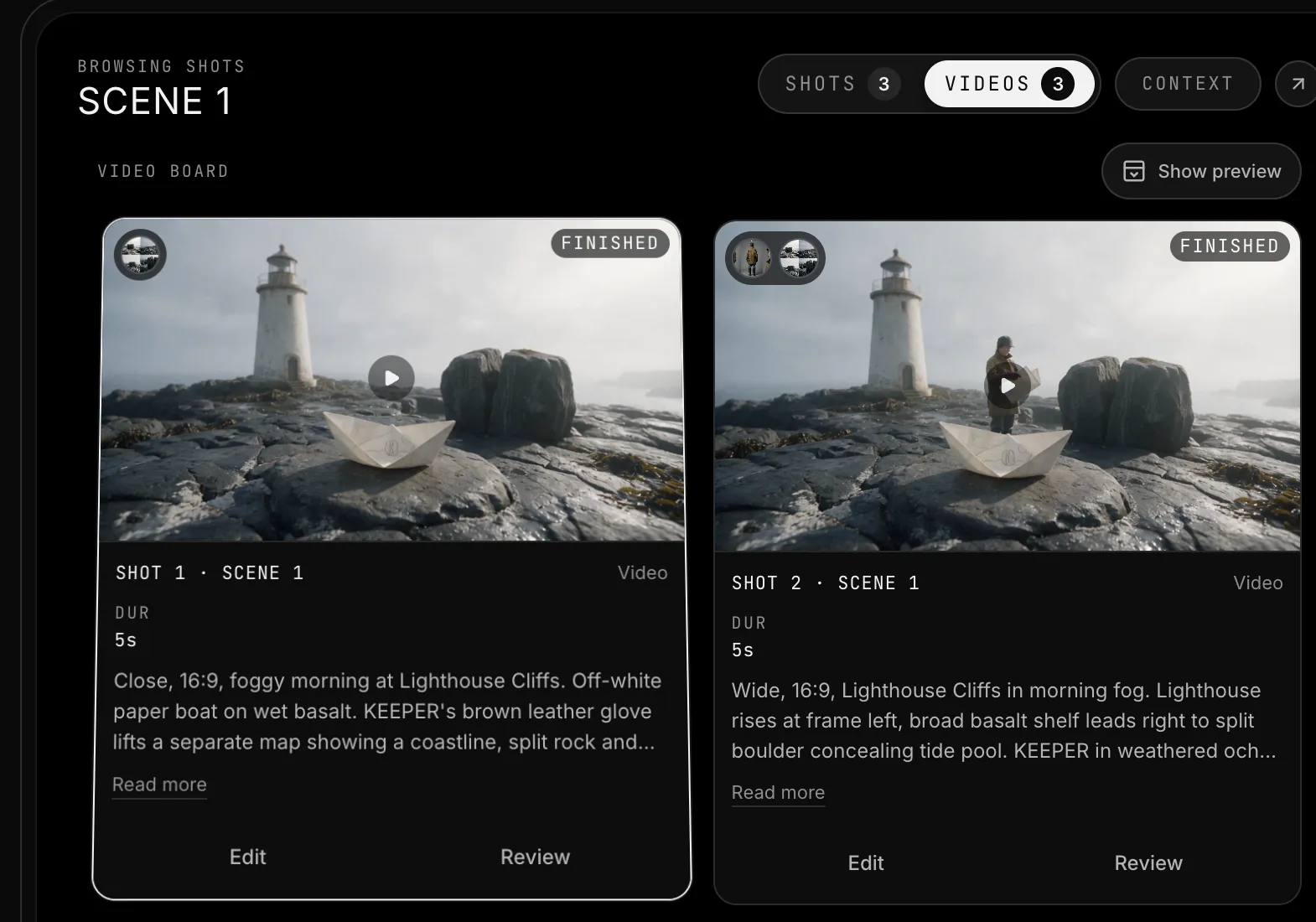
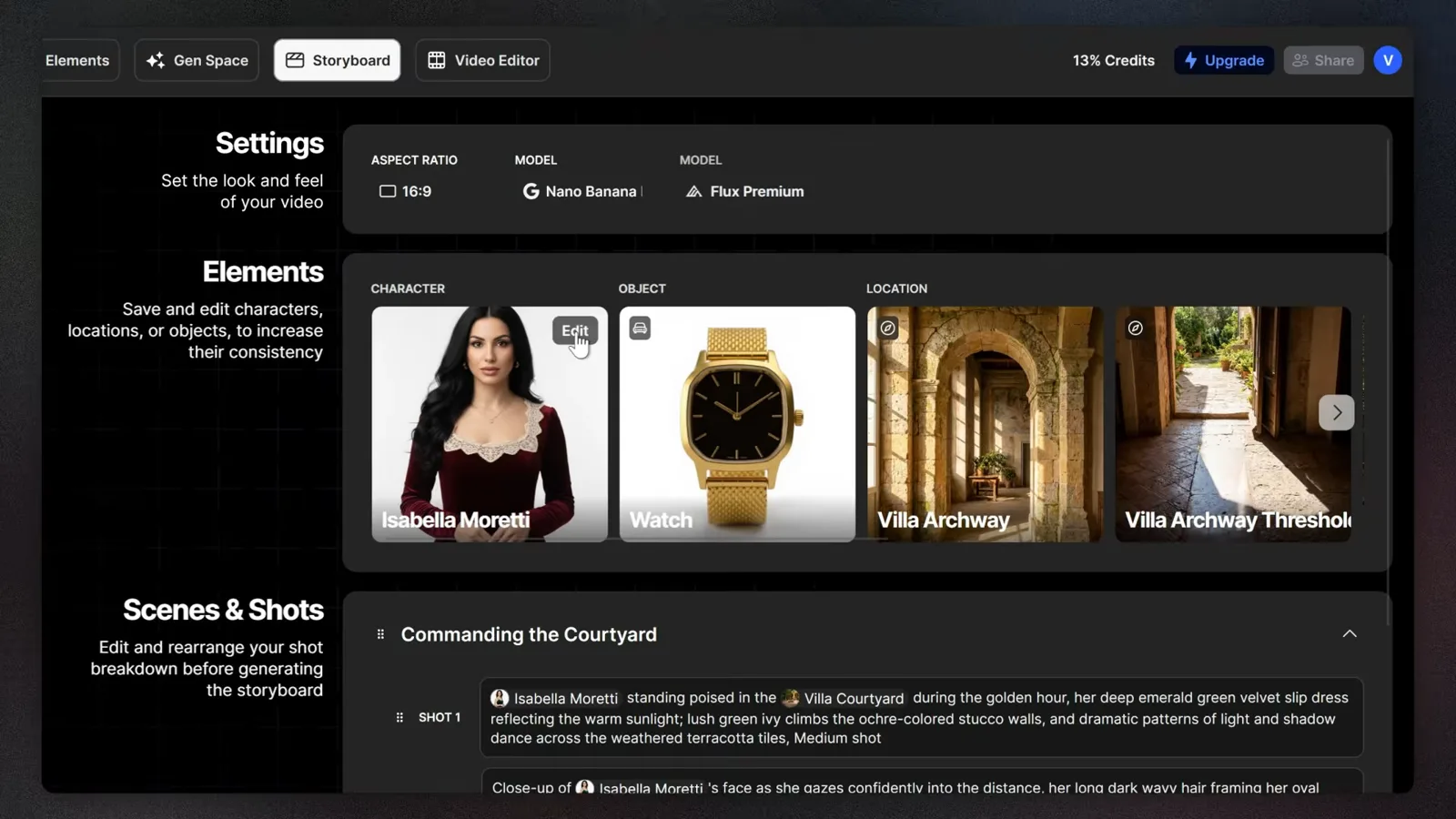
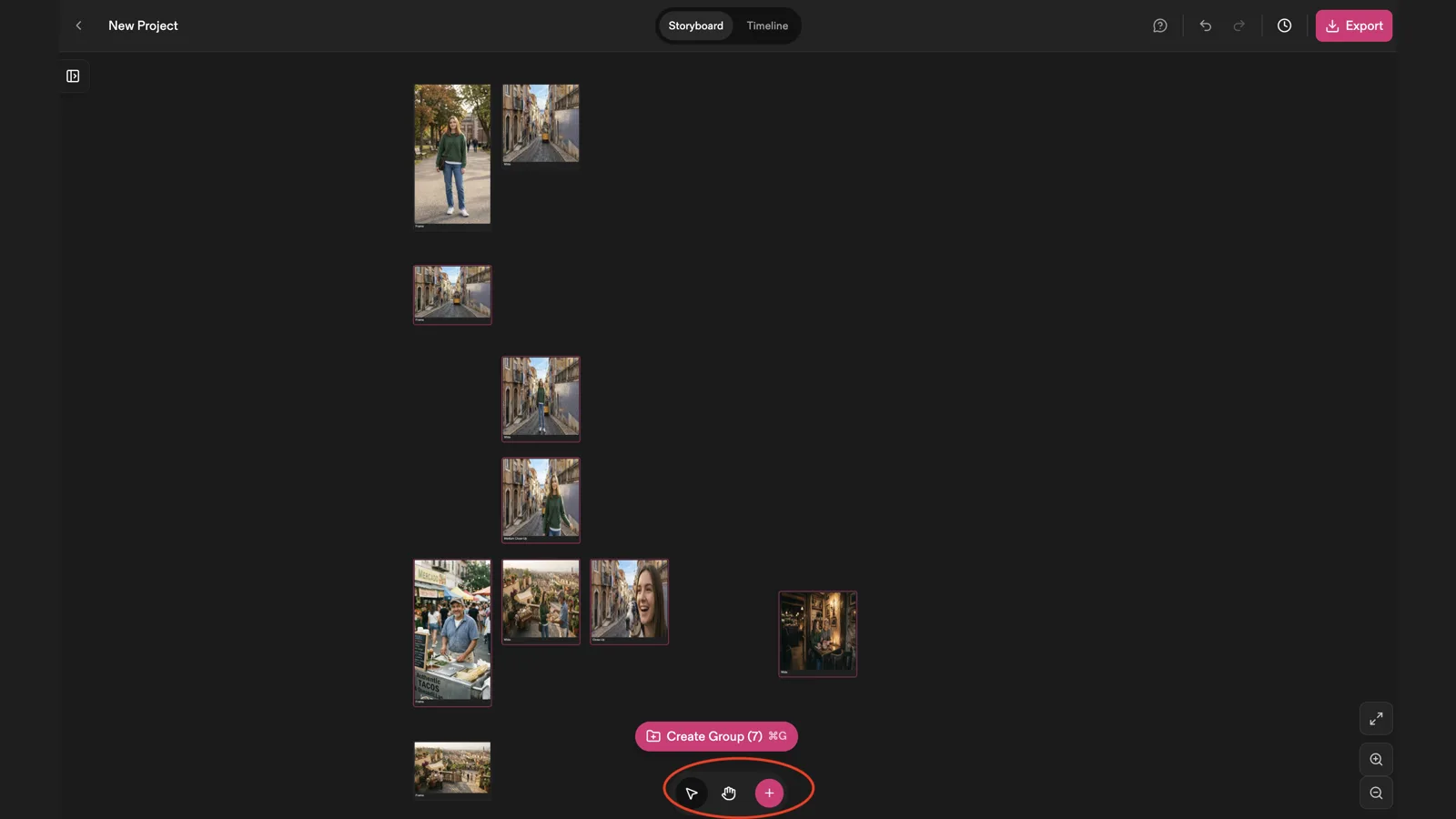
An AI storyboard generator from a script takes your screenplay, splits it into scenes and shots, and draws a frame for each shot. Boords, for example, says you "Paste a screenplay, treatment, or brief and Boords breaks it into scene-by-scene storyboard frames". LTX Studio says you "Upload your script to instantly generate scenes and storyboards". These tools are fast at the first draft. They don't replace the decisions a storyboard records: shot size, angle, movement, screen direction, and what each shot is for.
What does a storyboard need to contain?
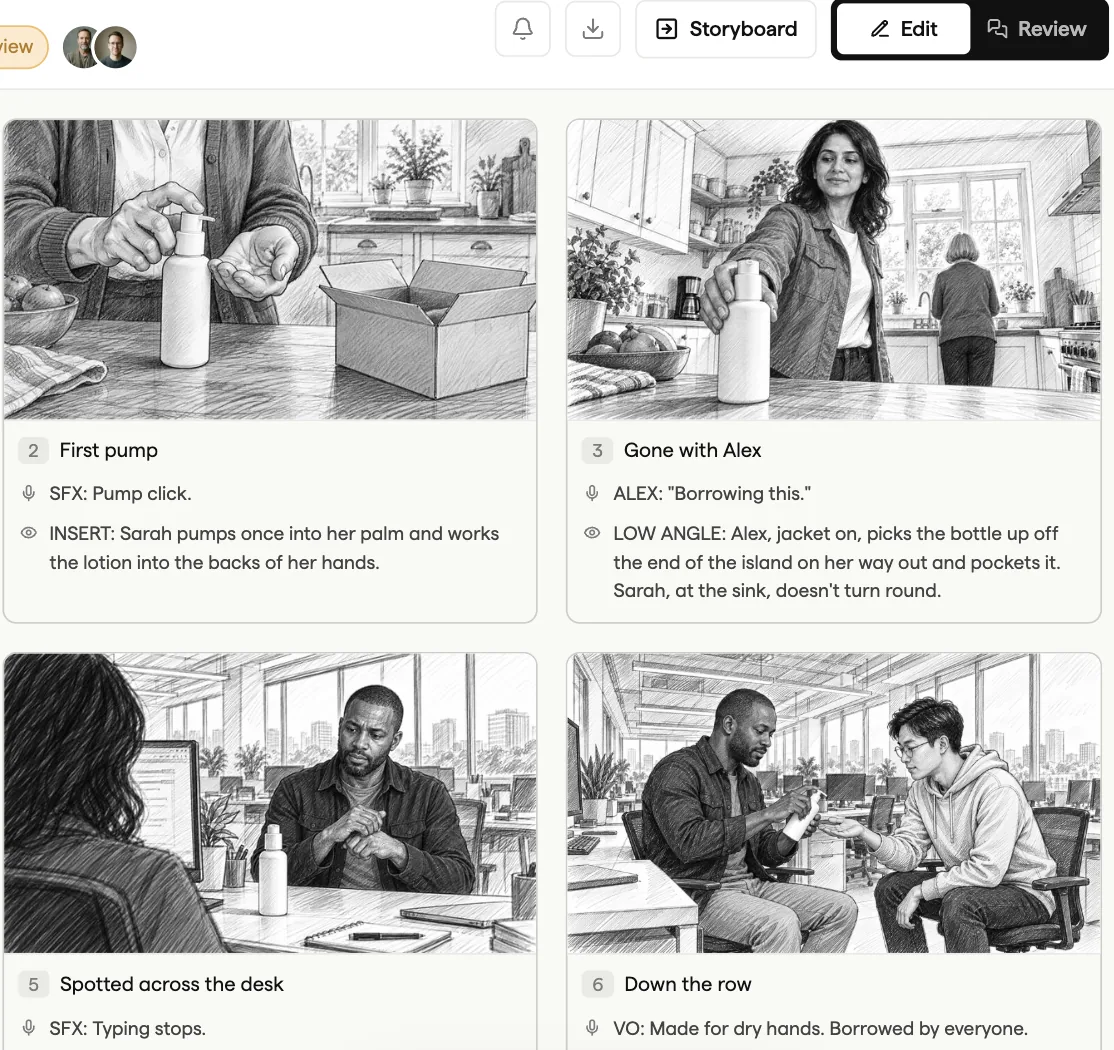
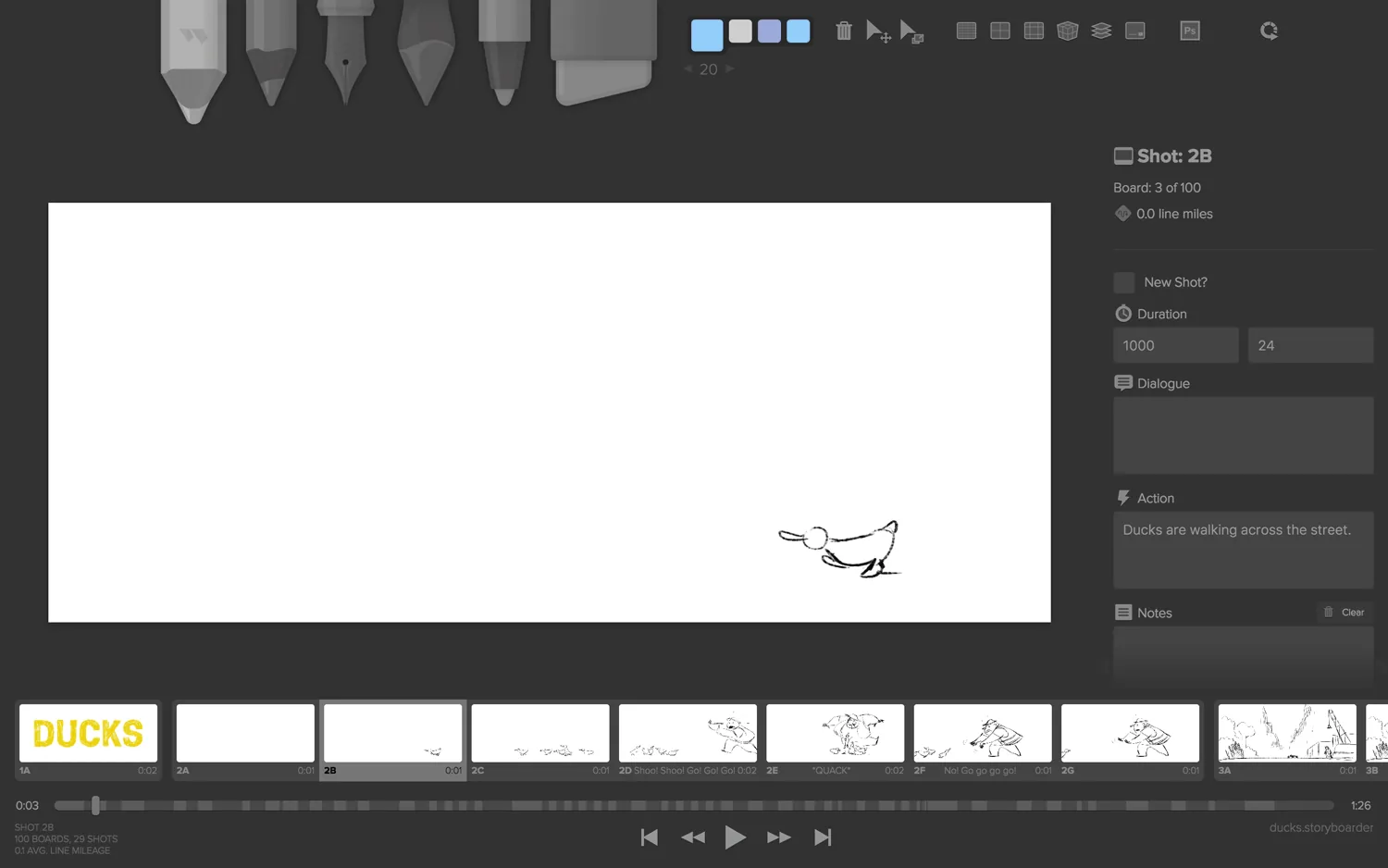
A storyboard is one picture per shot, in order, with enough notes for someone else to shoot it. StudioBinder's guide, quoted in our storyboards and shot lists explainer, lists four parts of a panel:
- The frame. "Drawings, sketches, reference images or photographs to represent each frame."
- Notes. "A description of the shot," covering action, dialogue or composition.
- Shot specs. "Shot size, lens length, two-shot, etc."
- Arrows. For "camera and/or character movement or how each shot connects to the next."
An AI generator handles the first part well. The other three come from your shot list, which is where most of the craft is: scene and shot number, size, angle, movement, lens, cast, location. Learn the shot sizes and composition and staging terms a panel is described in before you generate anything.