How to start AI filmmaking: the film skills to learn first, a one-minute first project on free credits, tools by stage, official free courses and festivals.
Method. Vendor courses, help centres and pricing pages (Runway, Kling, Google Flow, Google Skills, Blackmagic Design, ElevenLabs, Suno, Boords, Wonder Unit, WriterDuet) and festival sites read November 18, 2026; the credit chart is our arithmetic. Vinc makes an AI film studio.
How to start AI filmmaking: the short answer
To start AI filmmaking, learn the basics of film grammar (shot sizes, camera moves, continuity), then make a one-minute film on free tiers before you pay for anything. The free allowances are small but enough. Vinc, our studio, gives 600 trial credits a day for up to 7 days (card required), roughly 45–50 seconds of video a day by our arithmetic; Google Flow gives 50 credits a day, Runway gives 125 credits once, and DaVinci Resolve's editor is free. The skill that takes longest to learn is directing, not prompting: deciding what each shot is for and how the shots cut together. Prices and limits below were checked on the vendors' pages on 18 November 2026 and re-checked on 19 November 2026.
What skills do you need for AI filmmaking?
The vendor prompt guides are written in film language (see our camera language guide), so the fastest way to better prompts is to learn that vocabulary. In rough order of payoff:
Lighting and colour words. Runway and Kling both tell you to replace abstract words with visible facts, so "soft key from camera left, warm practicals" beats "moody" (our example). See lighting terms and colour grading terms.
Prompting. Our prompting guide compares what the vendors actually recommend.
The standard shot sizes, from extreme close-up to extreme wide. Every vendor prompt guide we read uses these terms.
If you're new to filmmaking in general, our how to become a filmmaker guide sets out a full curriculum in shooting order.
Your first project: a one-minute film
One minute is long enough to tell a small story and short enough to finish on free credits.
The one-minute first project below, step by step. The shot list comes before any generation, and each shot is checked as a still before it is animated.
1. Write one page. The screenplay rule of thumb is about a minute of screen time per page, give or take 20% (see our screenplay format guide). Keep to one location and one or two characters. Fountain, a free plain-text screenplay format, is enough to write it in.
2. Break it into 8–10 shots. Most generators cap clip length. Veo 3.1 produces up to 8 seconds per clip, and free Google Flow accounts generate 3–10 second clips with Omni Flash 1.2 (Flow models); Flow retires Veo 3.1 Fast and Quality on 5 December 2026. Sixty seconds at 6–8 seconds a shot is 8–10 shots. Our illustration, using the columns from our storyboards and shot lists explainer:
Shot
Size
Movement
Action
Length
1A
Wide
Static
A kitchen at dawn. Maya enters
6 s
1B
Medium
Slow push in
She fills the kettle, looks at the window
6 s
1C
Close-up
Static
A letter on the table, unopened
4 s
1D
Medium close-up
Static
Maya sees it and stops
5 s
1E
Insert
Static
Her hand turns the envelope over
4 s
...
...
...
...
...
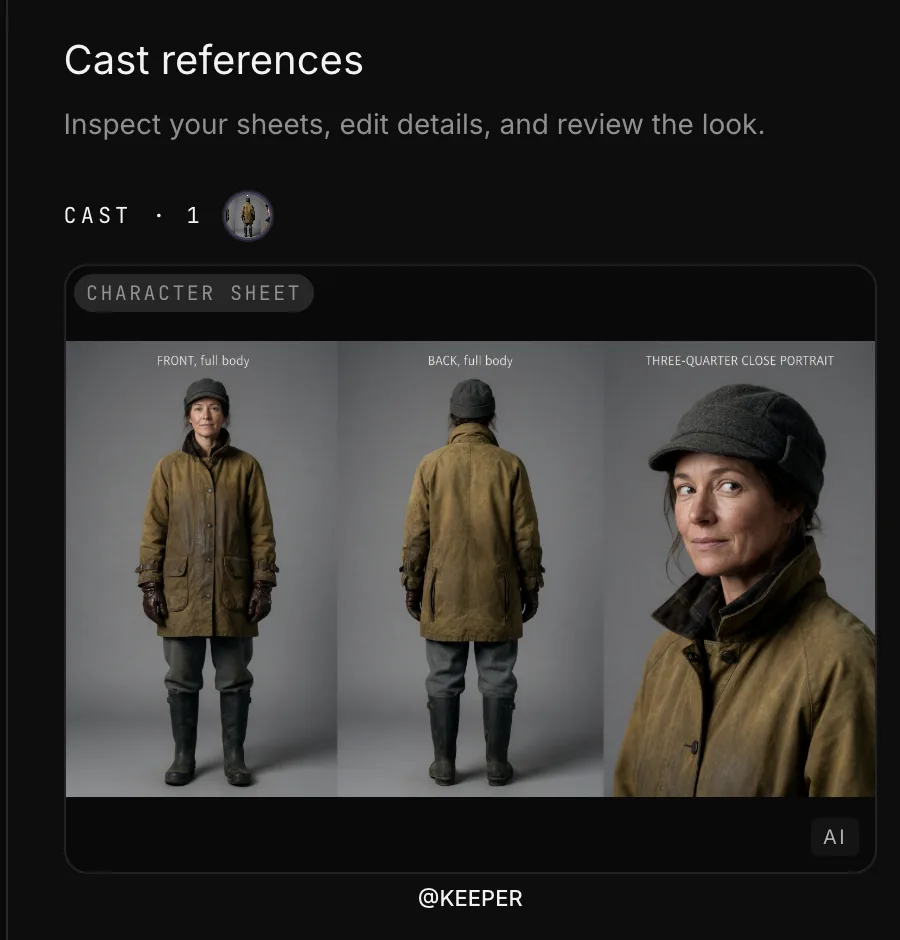
3. Make your character and location references. Generate or draw a character sheet (front, three-quarter, full body) and one frame of the location, then reuse them in every shot. Runway recommends "natural, even lighting" and a "neutral subject expression" for reference images (Runway Help). Our consistent characters guide covers each vendor's feature.
4. Generate each shot as a still, then animate it. Check framing and character on the still, then write a motion-only prompt: Google's guide says "Prompt for motion only".
5. Edit, add sound, export. Cut in DaVinci Resolve's free version, which exports up to Ultra HD at 60 fps (Blackmagic Design). Add ambience and music, even if only room tone and one cue.
How long will free credits last? Here is our arithmetic for Google Flow, assuming five generations per finished second (300 generated seconds for a one-minute film) and Flow's published Omni Flash 1.2 rates of 1 credit per second at 360p and 3 at 720p (Flow credits).
Days of Google Flow's free 50 daily credits needed for 300 generated seconds
360p (1 credit/s)6 days
720p (3 credits/s)18 days
Our arithmetic from Google Flow's published Omni Flash 1.2 rates, 18 Nov 2026. Assumes 5 attempts per finished second for a 1-minute film. Daily credits don't carry over.
Draft at 360p and render only your chosen takes at 720p. On Vinc's trial (us), the same 300 seconds on Veo 3.1 Fast without audio is 3,600 credits, six days of the 600-credit daily allowance by our arithmetic. The five-attempt ratio is an assumption: one creator reported running each 30-second sequence 3 to 7 times (see what an AI shot really costs).
Which AI filmmaking tools should a beginner use?
Pick one tool per stage and learn it well before adding more. Main options with a free way in:
Stage
Tool
Free way in
Source
Script
Fountain, WriterDuet
Fountain is free and open source. WriterDuet's free plan has three projects
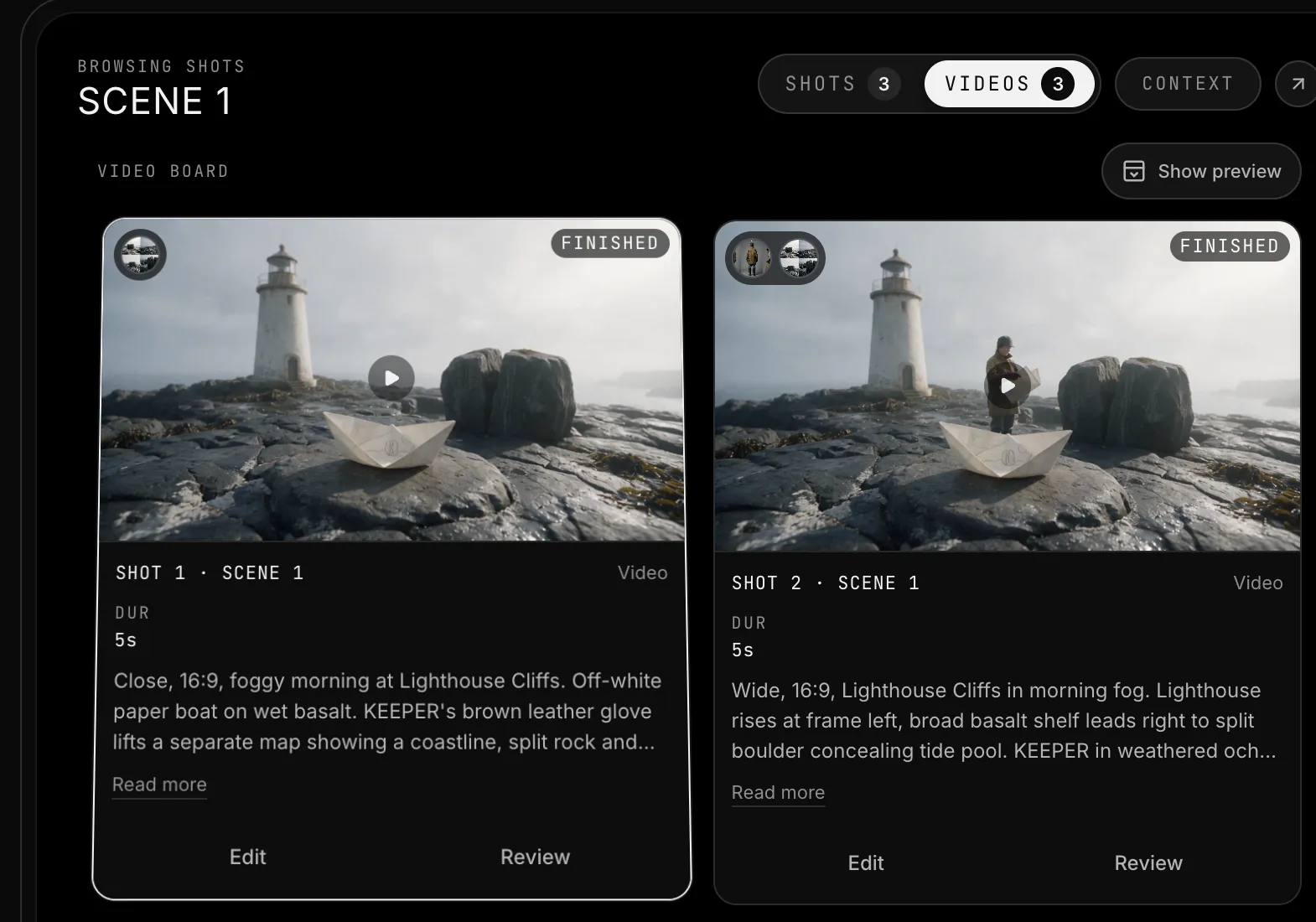
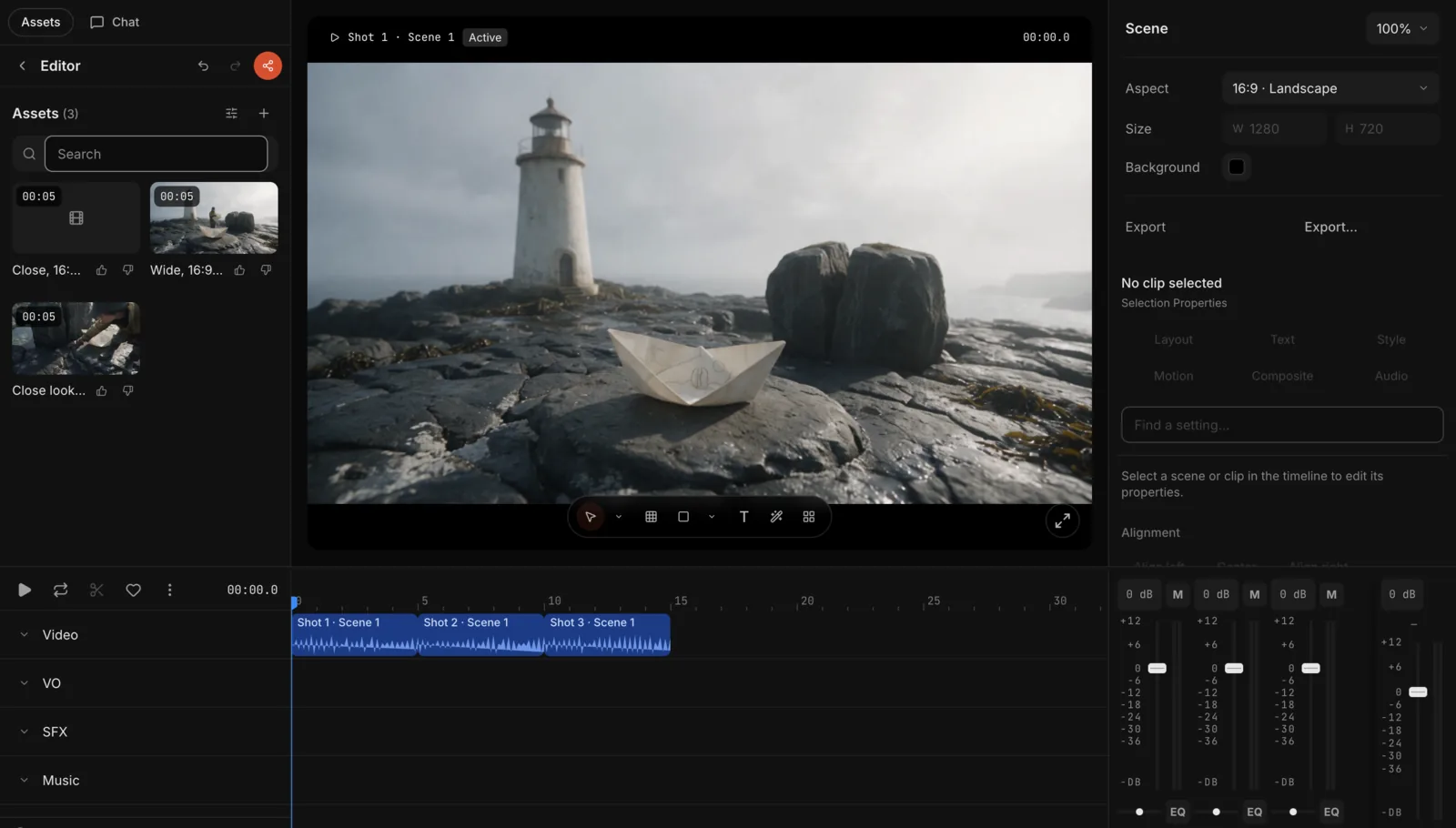
Our studio, Vinc, on a 15-second test film: the character sheet, the board of generated shots, and the cut on the timeline.Screenshot by Vinc, 18 Nov 2026.
What these tools look like
Storyboarder
Google Flow
Runway
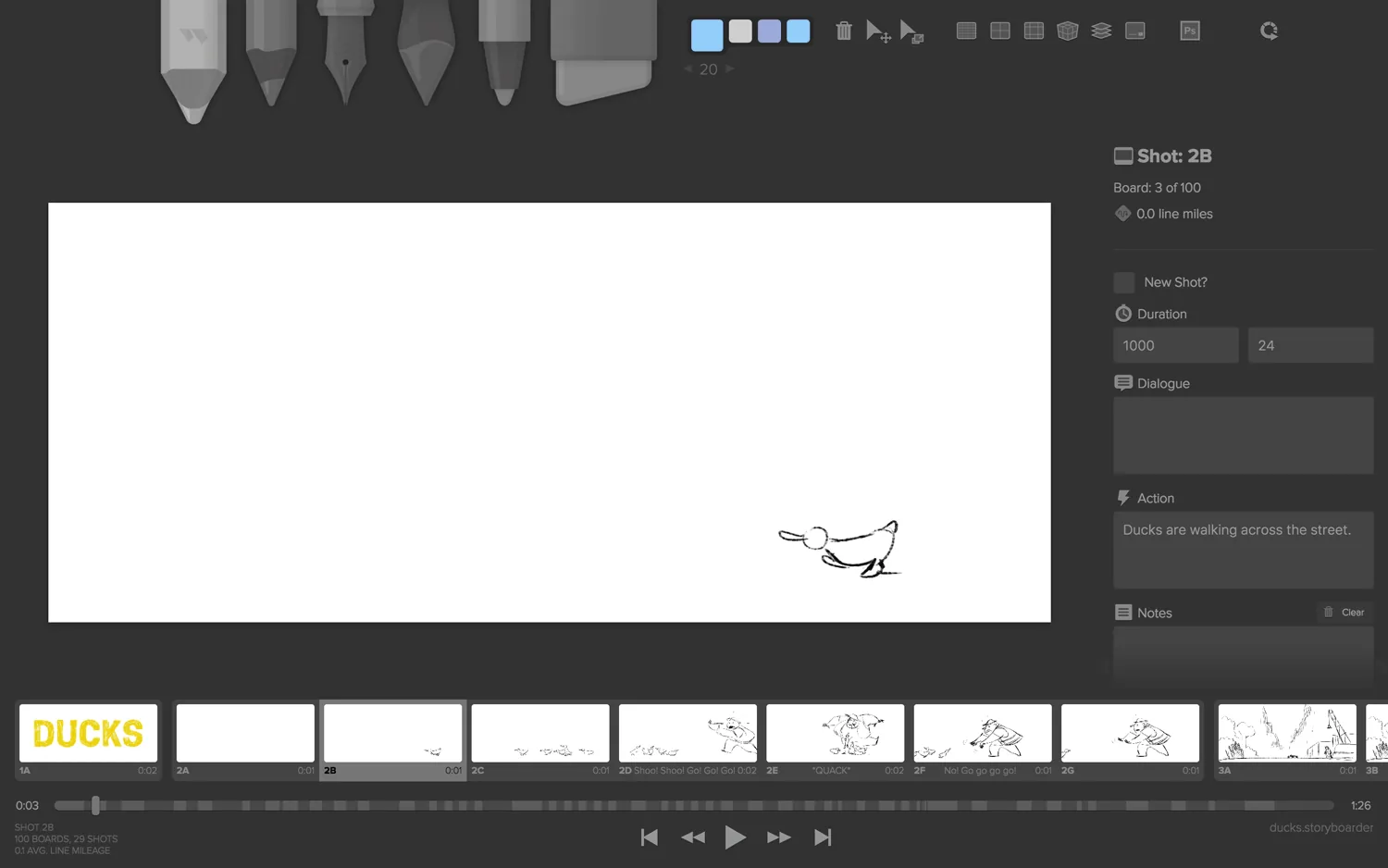
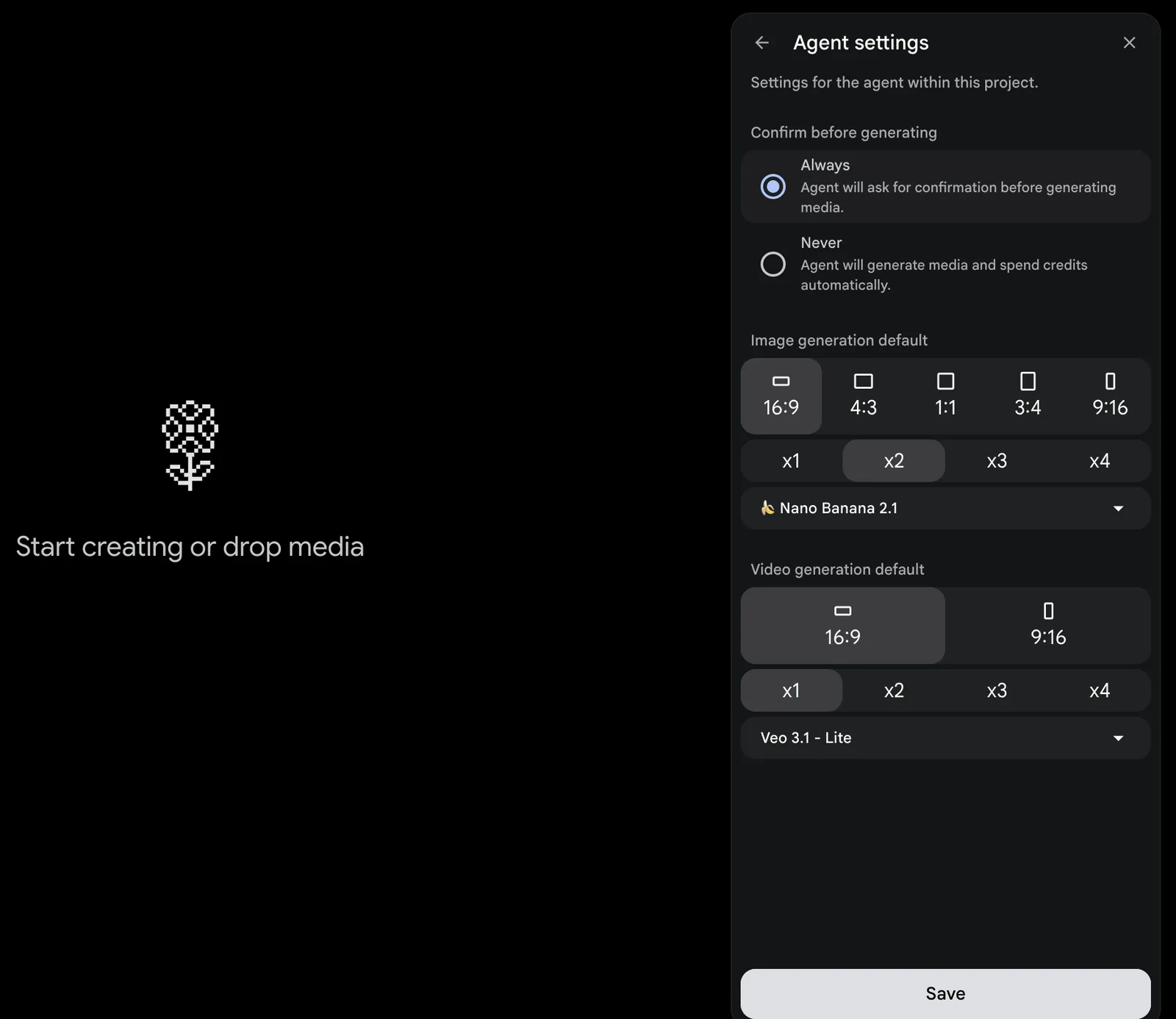
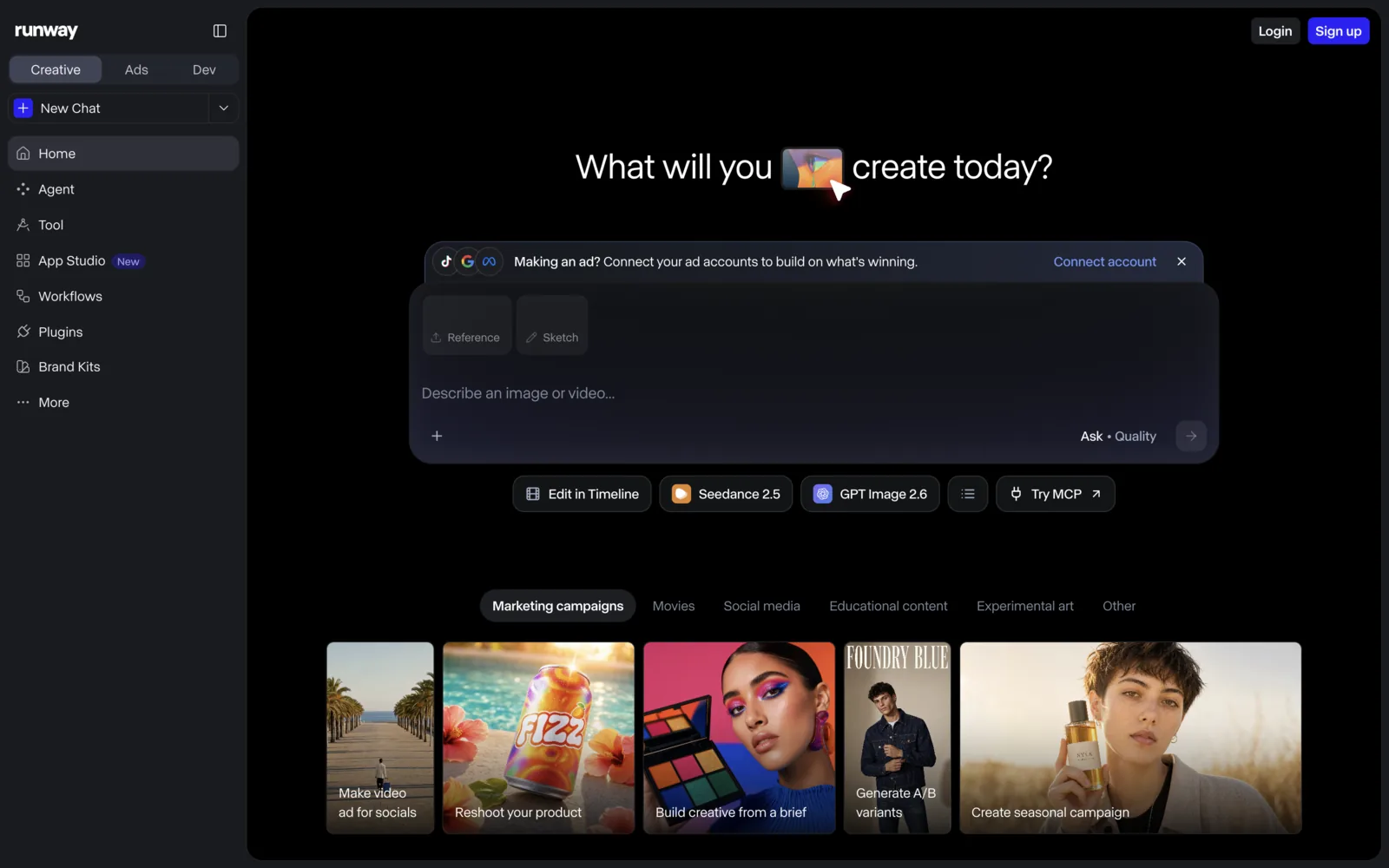
Storyboarder's drawing window, a new and empty Google Flow project with its model settings open, and Runway's generation home.Screenshot of Wonder Unit's product page; screenshot by Vinc of Flow; screenshot by Vinc of Runway's web app while signed out. All 18 Nov 2026.
ElevenLabs
Suno Studio
DaVinci Resolve
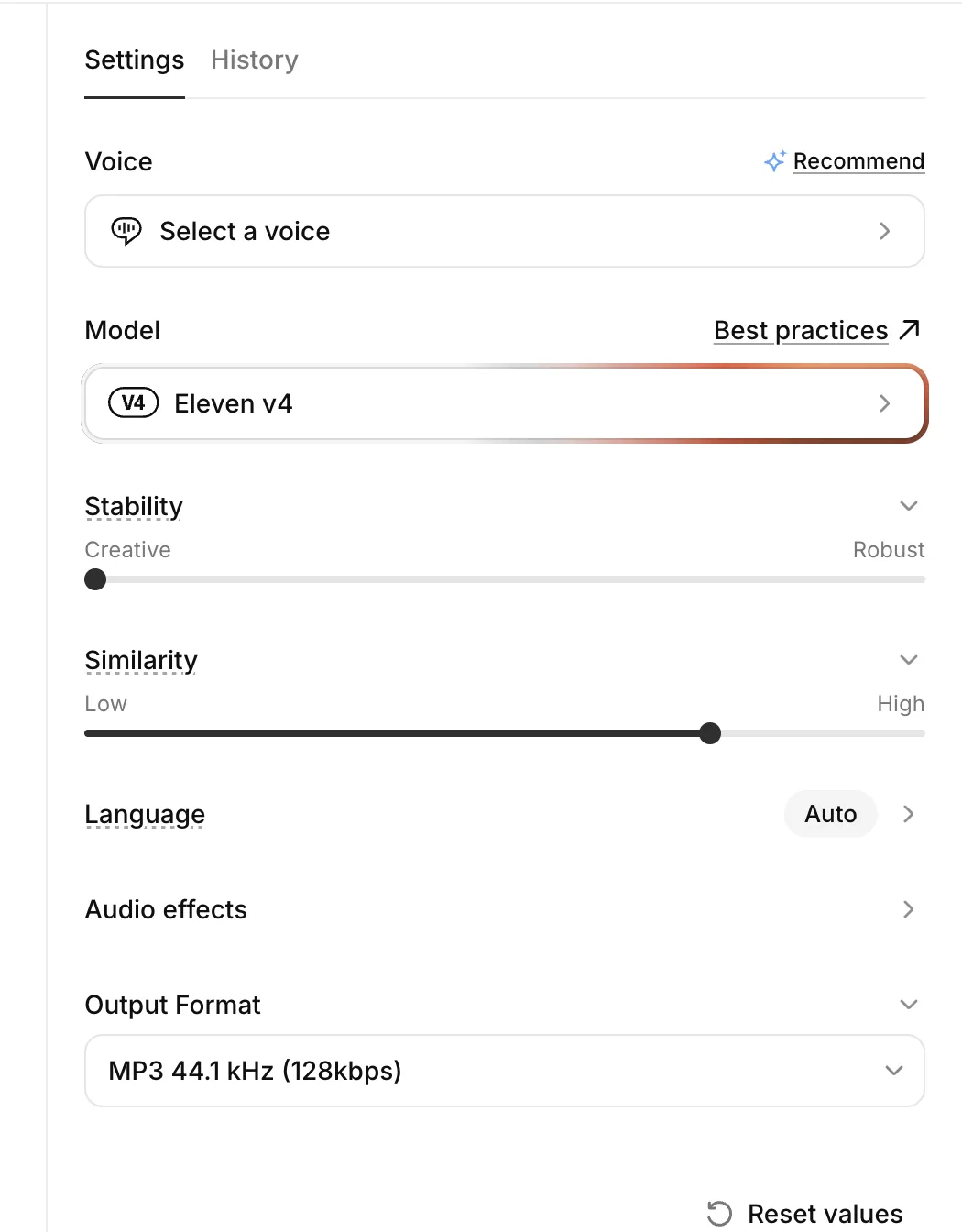
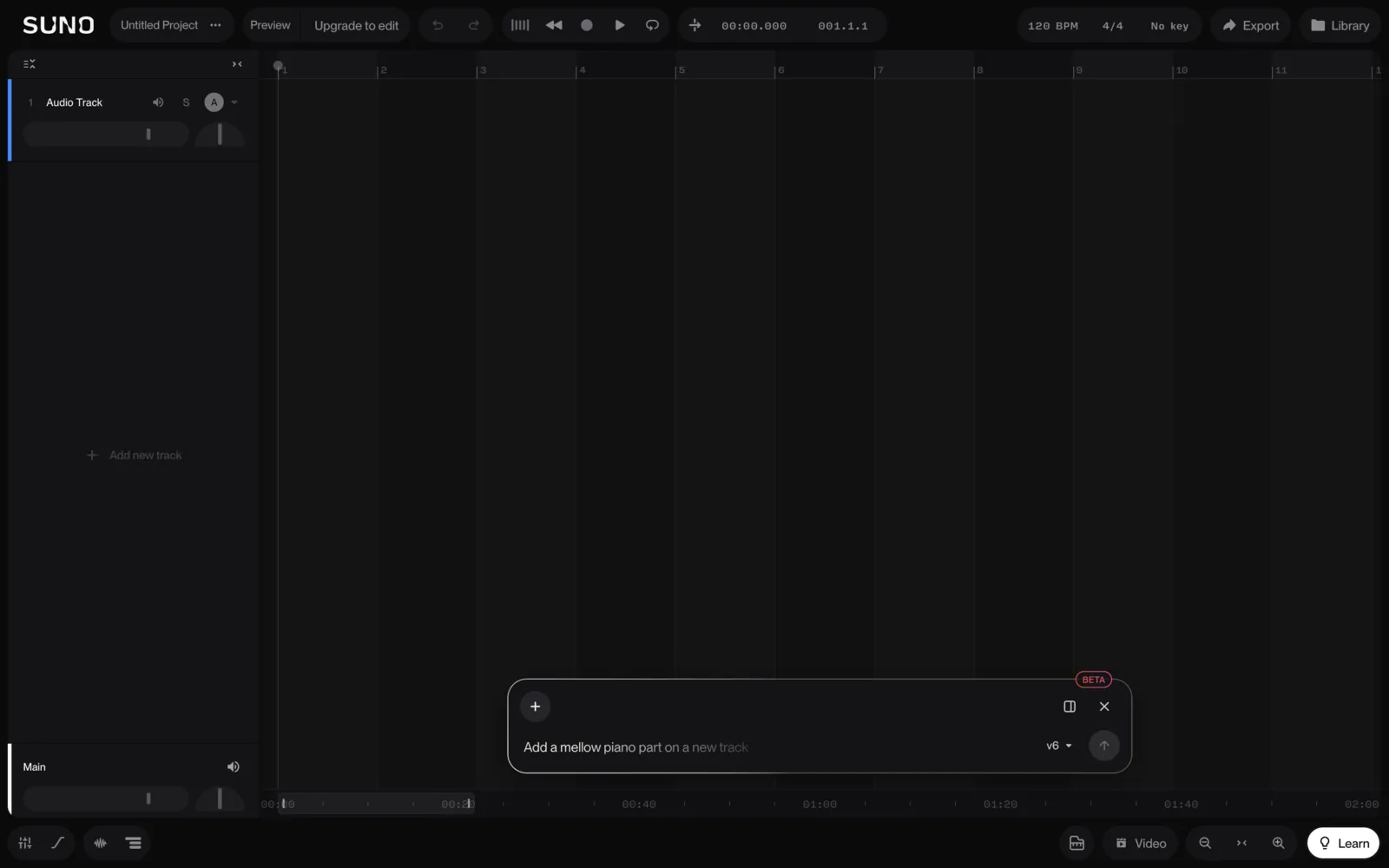
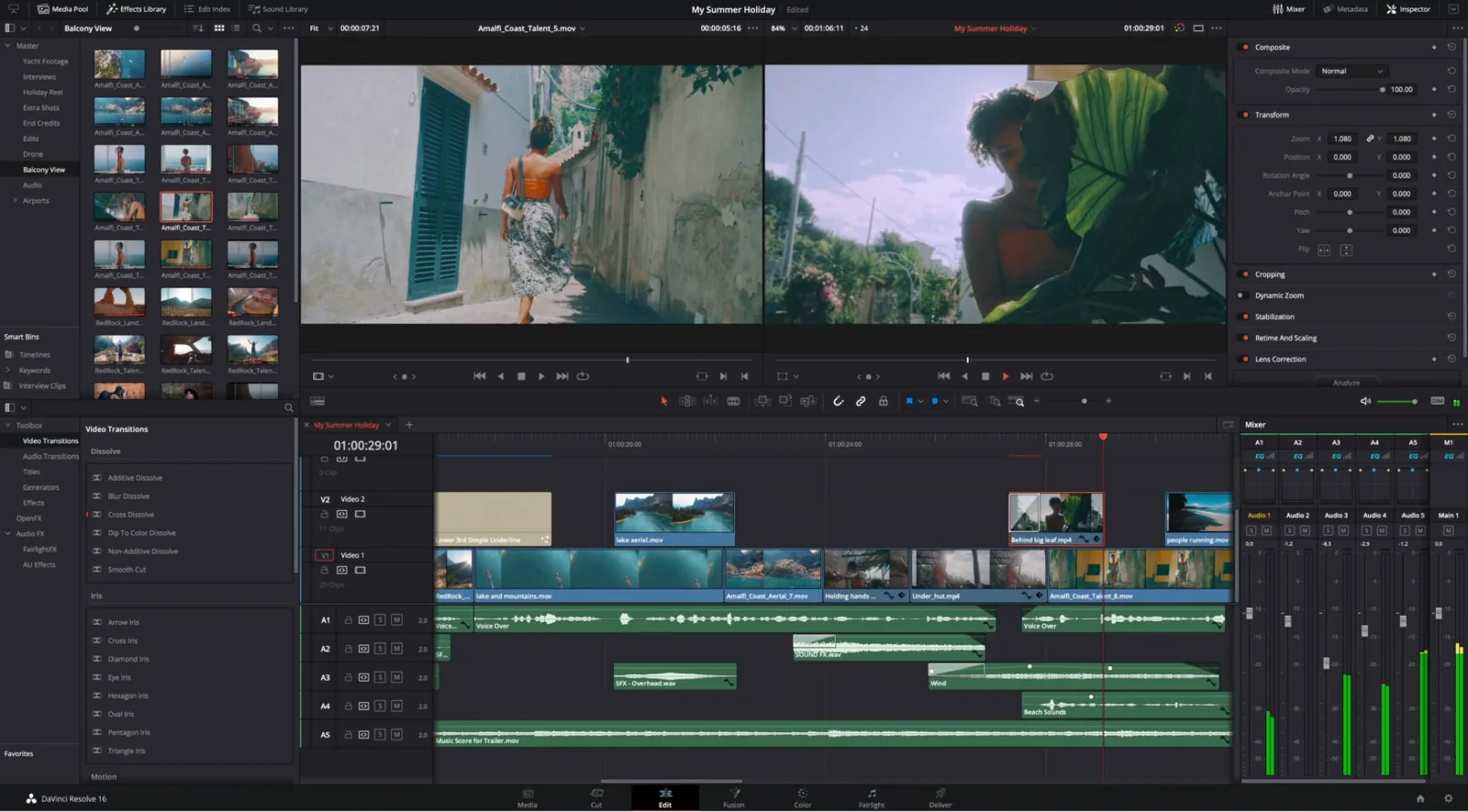
ElevenLabs' text-to-speech settings, an empty Suno Studio project, and DaVinci Resolve's edit page.Screenshots by Vinc of ElevenLabs and Suno; screenshot of Blackmagic Design's product page. All 18 Nov 2026.
Free tiers are often non-commercial: Suno's free plan says "No commercial rights", and Kling lists commercial use as a paid feature (Kling plans). Not every music generator's output can go in a film; our AI music guide explains which can.
Free AI filmmaking courses and official resources
The best free material comes from the vendors themselves:
Runway Academy. Seven free courses, including AI for Advertising (10 modules, beginner) and AI for Visual Effects (6 modules), plus single tutorials (Runway Academy). No certificates are mentioned.
Runway Help Center model guides. The Gen-4 Image References guide is a worked example of keeping a character consistent across scenes.
Kling AI Best Practices. Kling's quickstart hub collects its "official tutorial" pages, from model user guides to camera movement, start and end frames, and lip sync.
Google Flow Help Center. Google's Flow help covers getting started through scenes and credits. Google recommends a Chromium-based browser such as Chrome or Edge on a desktop, and users must be 18 or over (Get started with Flow).
Google Skills: Introduction to Generative AI. A 45-minute general course, not film-specific (Google Skills).
Vendor prompt guides. Our prompting guide links to each one and shows where they disagree.
AI-specific festivals are open to beginners, and some have student categories:
Runway AI Festival 2027. Films of 3–10 minutes, due 5 April 2027. Prizes run from $1,000 plus 100,000 credits for Merit awards up to $50,000 plus 1,000,000 credits for the Grand Prix (Runway AIF).
Chroma Awards Season 2. Submissions are open until 7 January 2027. Its divisions include Film & TV ($38,000 in listed prizes) and Student Awards ($55,000) (Chroma Awards).
A one-minute film is below Runway's 3-minute minimum, so treat it as practice and make a longer second film for the festival. Our AI film festivals guide lists the other competitions with their AI-use rules, and building a showreel covers what studios want to see in a reel.
If you're aiming at traditional awards later, know the rules. Our filmmaker guide quotes the Academy's requirement that screenplays for the 99th Oscars "must be human-authored to be eligible".
Where Vinc fits
Vinc is a browser AI film studio with a Director chat, cast and world sheets, a 3D studio for blocking and a timeline editor, so the steps above stay in one project instead of moving files between tools. Plans start at $10 USD a month.
FAQ
How much does AI filmmaking cost once I outgrow free tiers?
Entry plans we checked include Runway Standard at $12 a month billed annually (625 credits), Kling Standard listed at $10 a month (660 credits) and Midjourney Basic at $10 a month. Vinc's Starter plan (us) is $10 a month for 1,000 credits, and unused paid credits roll over. Our how to make an AI film guide works through what a one-minute film costs in credits.
How we compiled this
We opened every vendor, course and festival page cited here on 18 November 2026; paid third-party courses are left out because we couldn't compare them from public pages. The free-credit chart and shot list are ours, and the five-attempts ratio is an assumption, not a measurement. Vinc makes an AI film studio and didn't pay or brief any vendor named here.
AI Music for Film: Suno, Udio and Other Generators on Licences, Ownership, Lawsuits and Cue Sheets
Whether an AI-generated track can go in your film depends on the plan you made it on, whether the terms exclude film and TV, and whether anyone can own it at all. This guide compares the published terms of Suno, Udio, ElevenLabs Music, Stable Audio and AIVA, sets out the label lawsuits as reported, and explains what US copyright law and North American PRO rules mean for your cue sheet.