Storyboard a short film panel by panel and time it as an animatic.
Covers: How to storyboard a short film: the short answer · Start with thumbnails · One panel per shot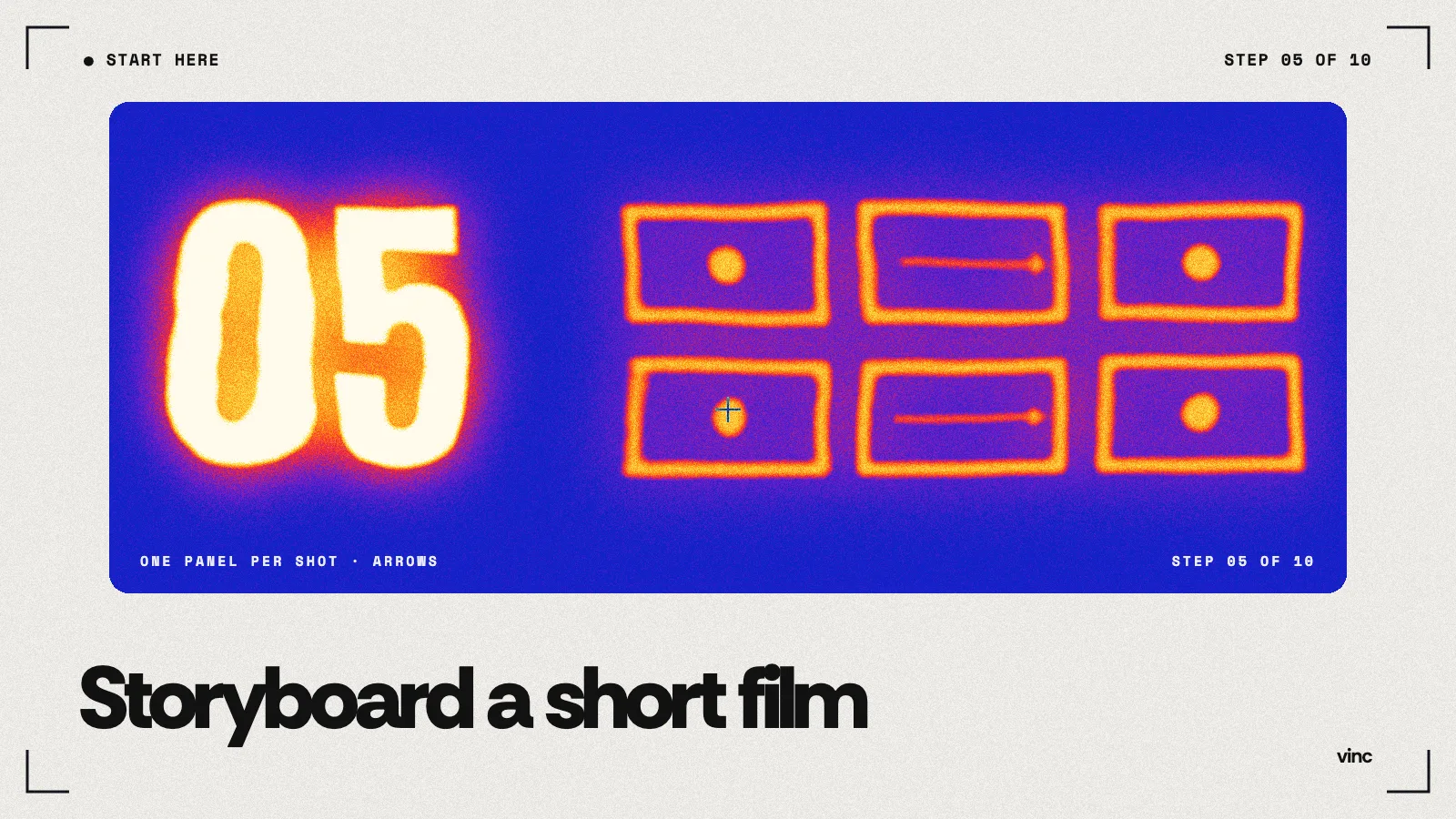
Storyboard a short film in an afternoon: thumbnails first, one panel per shot, arrows for movement, stick figures welcome. Then time the panels into an animatic.
Method. Definitions from StudioBinder's storyboard and animatic guides and Wonder Unit's Storyboarder page, checked November 18, 2026. The arrow convention and the worked example are ours. Vinc makes an AI film studio.
Want the history, formats and fields in depth? See [Storyboards and Shot Lists](/blog/storyboards-and-shot-lists).
How to storyboard a short film: the short answer
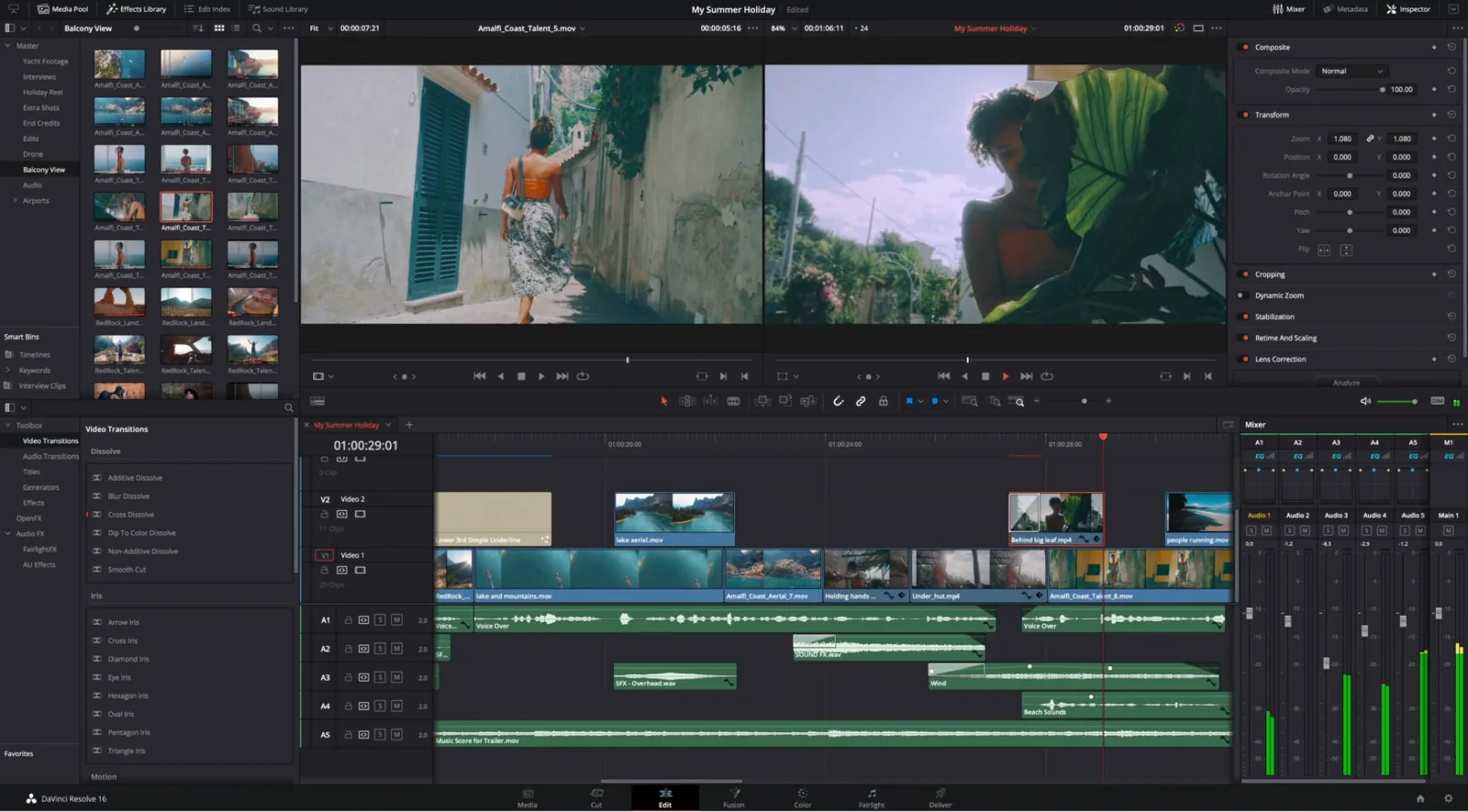
Draw one small box per shot, in order, with a stick-figure sketch of what the camera sees. Add arrows for anything that moves: arrows inside the frame for people, outside it for the camera. Write the shot size, the action and the seconds under each box. Then play the panels in an editor, each held for its planned length, with a scratch soundtrack. That's an animatic, and it shows you whether the film works before you generate a single clip.
This is step 5 of 10 in our "Start here" path. It follows character design.
Start with thumbnails
Thumbnail
A thumbnail is a very small, rough storyboard sketch, often a few centimetres wide, drawn fast to try out framing and order before any detailed drawing. You can draw a dozen in ten minutes and throw most of them away.
How to do it:
- On one sheet, draw rows of small rectangles in your film's shape (wide for 16:9, tall for vertical). Our aspect ratios lesson lists the common ones.
- Read your one-page script one paragraph at a time. Each paragraph gets at least one box.
- In each box, draw only three things: where the person is, how big they are in the frame, and where the horizon or table line sits.
- Try two versions of the hardest moment (usually the turn). Keep the clearer one.
Stick figures are fine. Our storyboards and shot lists lesson says the same: what matters is how much of the person or set is visible.
One panel per shot
Storyboard panel
A storyboard panel is one drawing per shot, or per important moment inside a long shot. StudioBinder's guide lists what a panel usually carries: the frame, a description of the shot, shot specs such as "Shot size, lens length", and "Arrows to indicate camera and/or character movement or how each shot connects to the next" (StudioBinder).
Under each panel, write:
| Field |
|---|
Thumbnail your script in stick figures, one panel per shot, and play the panels as a 60-second animatic.
Do it in Vinc →